CleanTheSchool
Objects and placement

Clean the School! Objects and Placement

A source-bounded guide to the confirmed object families, placement controls, visible cues and details that remain unknown.

Current guideClean the School! items
Walkthrough

What to check in-game

Use these notes while you play, then follow the related pages for codes, rankings, tools, or route-specific help.

Confirmed object families

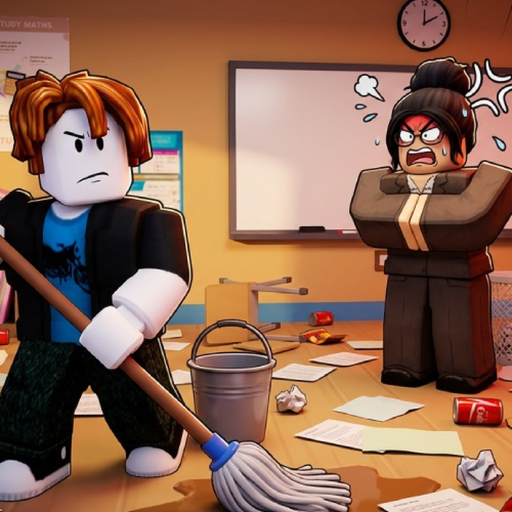
The official Roblox description names books, supplies, chalkboards and desks among more than 1,000 items placed around the classroom. Those are object families, not a complete catalog: the public description does not provide every item name, each exact spawn point or a per-object value. Start by identifying the object you can actually see and the nearby destination suggested by the live game. This guide deliberately avoids attaching an unsupported room, shelf or reward to an object simply because it would sound plausible.

Pick up, carry and place

On PC, the creator-listed controls use E to interact, Q to drop and the mouse click to use an item. On console, Right Trigger handles interact and place, B or Circle drops, and Y or Triangle cycles the selection. Treat the game UI and visible placement cues as the final authority because the public source does not describe every object-specific interaction. If an item will not place, confirm the selected item, face the visible destination, try the listed input once and drop it before retrying instead of repeatedly forcing the same action.

Progress and rewards: what is known

The public badge set confirms a First Shelf checkpoint followed by 25%, 50%, 75% and 100% classroom completion. It does not publish the item count behind each percentage, the reward attached to every placement or a formula that converts one object into progress. Use the milestone planner to choose the next observation, then recheck the live progress display after a successful placement. A missing change does not prove the item is worthless: it can also mean the destination, selection or interaction was wrong. Exact rewards should only be added when the game or a creator-owned source names them.

Related help

Connect the topic to player decisions

Wiki pages should point players toward the practical pages that explain what to claim, compare, build, or check next.