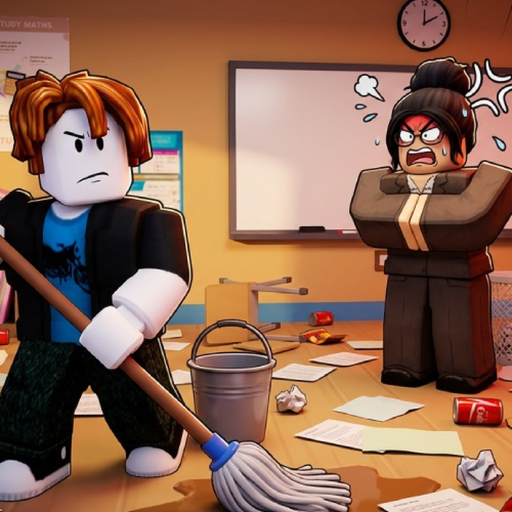
CleanTheSchool
Placement troubleshooting

Clean the School item will not place

Work through safe input and observation checks without assuming a universal bug, hidden room or guaranteed fix.

Checked July 21, 2026
Quick answer

Start here

Confirm the correct device binding, make sure the intended object is selected or held, scan for a live placement cue, try once, and recheck. If no cue appears, the exact target may simply be unknown.

Step-by-step

Follow these checks in order

  1. 1

    Verify the binding

    Use E to interact and Click to use an item on PC; use RT to interact or place on console. Q or B/O drops instead of placing.

  2. 2

    Reselect the object

    If the wrong object is active, cycle or pick up the intended item again. Console players can use Y/△ to cycle selection.

  3. 3

    Look for a live cue

    Move around the nearby shelf or classroom area and watch for the game's own highlight or prompt. Do not rely on a guessed coordinate.

  4. 4

    Retry once, then recheck

    Try the prompted action once and see whether the object or progress display changes. If it does not, reopen the current Roblox session or check the update-status page.

If you're stuck

Reset the current check

Stop repeating the same input. Confirm the device binding, reselect the visible object, look for the live placement cue, and use the linked troubleshooting page if the state still does not change.

Common mistakes

When the first attempt does not work

Using Drop instead of Place

Q on PC and B/O on console are listed as Drop. Dropping can look like a failed placement.

Assuming every object has the same target

Books, supplies, chalkboards and desks are broad families; a universal placement rule is not published.

Calling it a confirmed bug

A failed attempt is not enough to prove a game-wide issue. Check current update information before making that claim.

FAQ

Quick answers

Why will my item not place?

The common safe checks are the input binding, selected object and live placement cue; the exact cause is not always known.

Which console button places an item?

The creator lists RT for Place and Interact.

Should I press Drop to retry?

Drop can release the item rather than place it. Reselect it and wait for a placement cue.

Is there a confirmed placement bug?

No repeatable exact-universe bug was collected for this guide. Check the update page for current status.

Next step

Keep moving through the classroom